Design
Using a driveway visualiser without losing sight of practical details
Use a driveway preview to compare style, then check samples, drainage, access and levels before agreeing a design.
Archive: 25 July 2026 · Published:
Use a clear photograph for a meaningful comparison
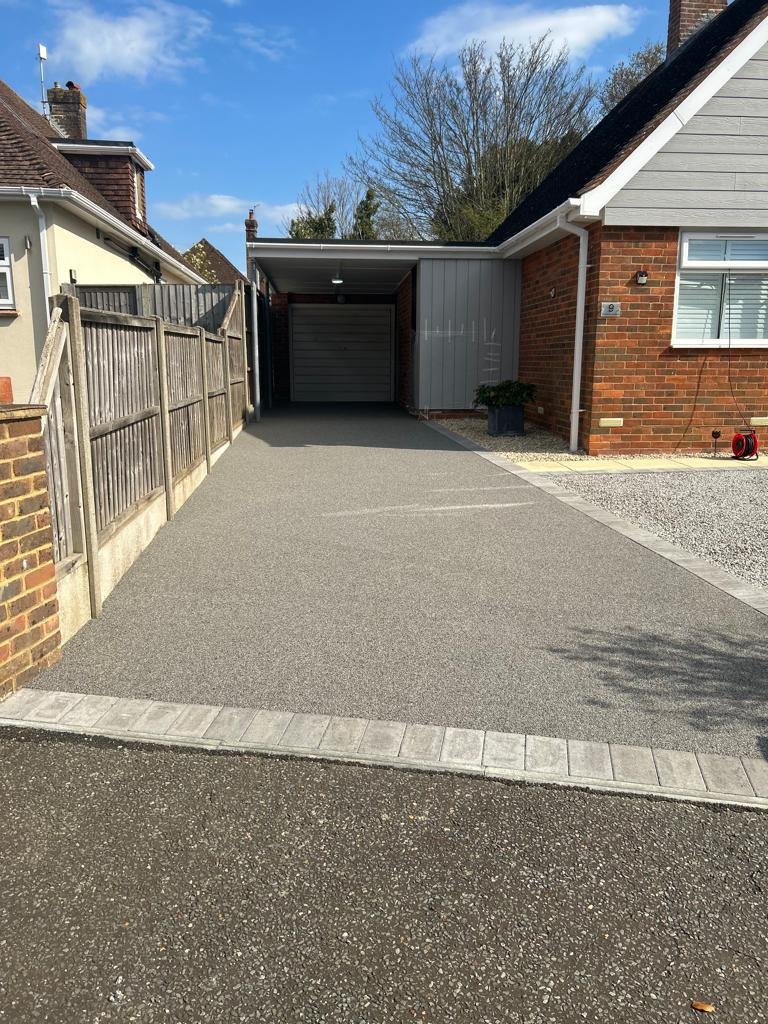
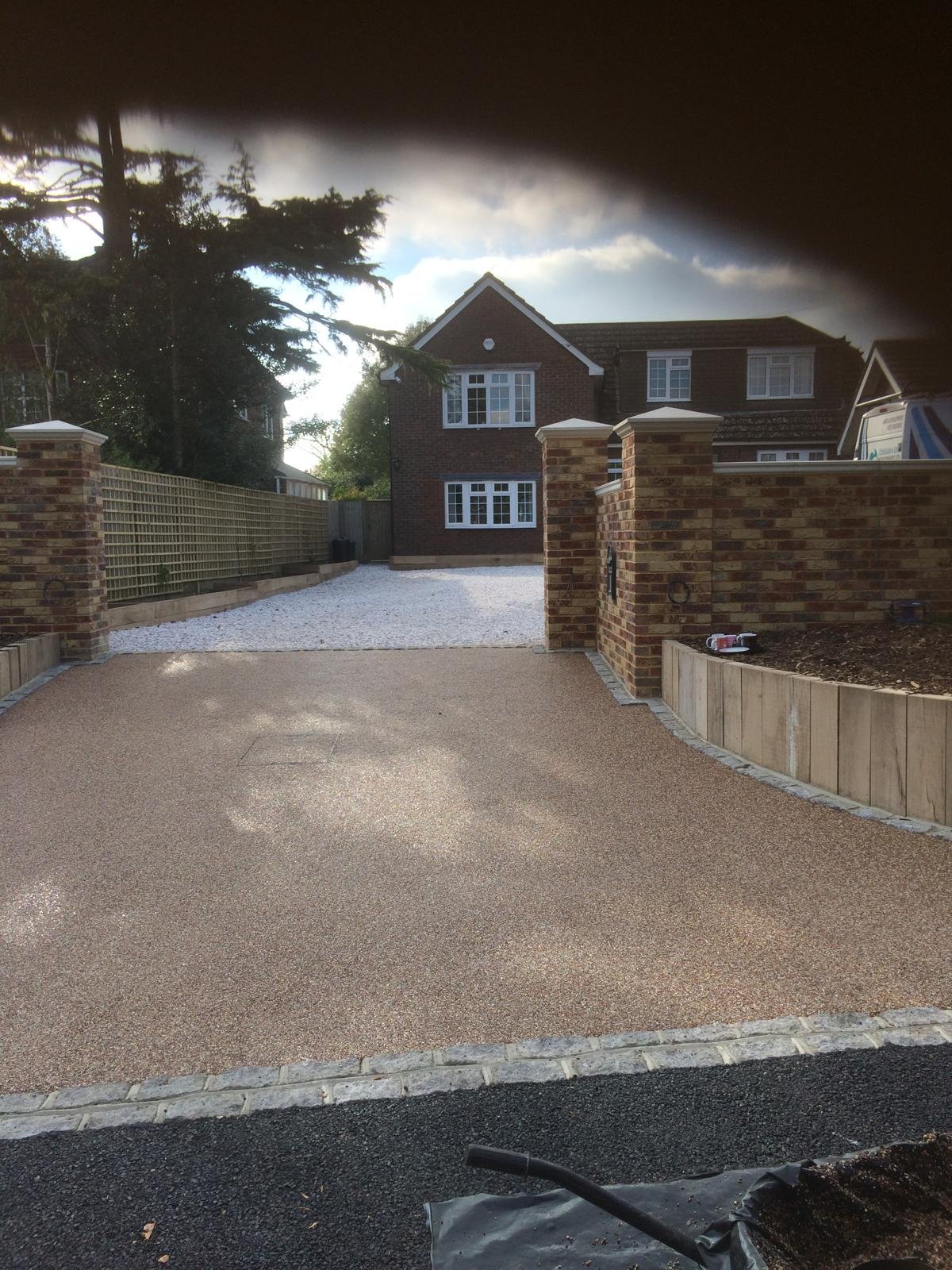
Take your photo in daylight from a position that shows the driveway edges, entrance and house frontage. Move vehicles if practical and safe. A wide view is more useful than a close-up because the finish needs to complement walls, paths and the overall layout. Keep an original photo so you can compare ideas against the real property.
A preview is inspiration, not a construction drawing
A digital image cannot confirm the base condition, measure falls or prove that a drainage arrangement is compliant. Colours may look different on screens and in changing daylight. Use a preview to narrow the material and border options, then ask for physical samples and a site survey. For a Chichester project, show your preferred look alongside any access constraints and known puddling. That gives the installer a useful visual brief without treating the illustration as a technical specification or a guaranteed finished result.
Your project checklist
- Photograph the whole entrance in daylight.
- Compare physical samples outside as well as digital previews.
- Confirm the design through a measured site survey.
Will a digital preview exactly match the finished driveway?
No. Treat it as a design aid; materials, lighting, measurements and construction details must be confirmed separately.
Further reading
General homeowner guidance, not a site-specific specification or planning decision. Check current authority and manufacturer requirements for your property and installed system.